
Anti-Glare Screen for Eye Strain: When It May Help
An anti-glare screen may help when reflections make reading difficult. Learn what to try first, what to check before buying, and what it cannot fix.
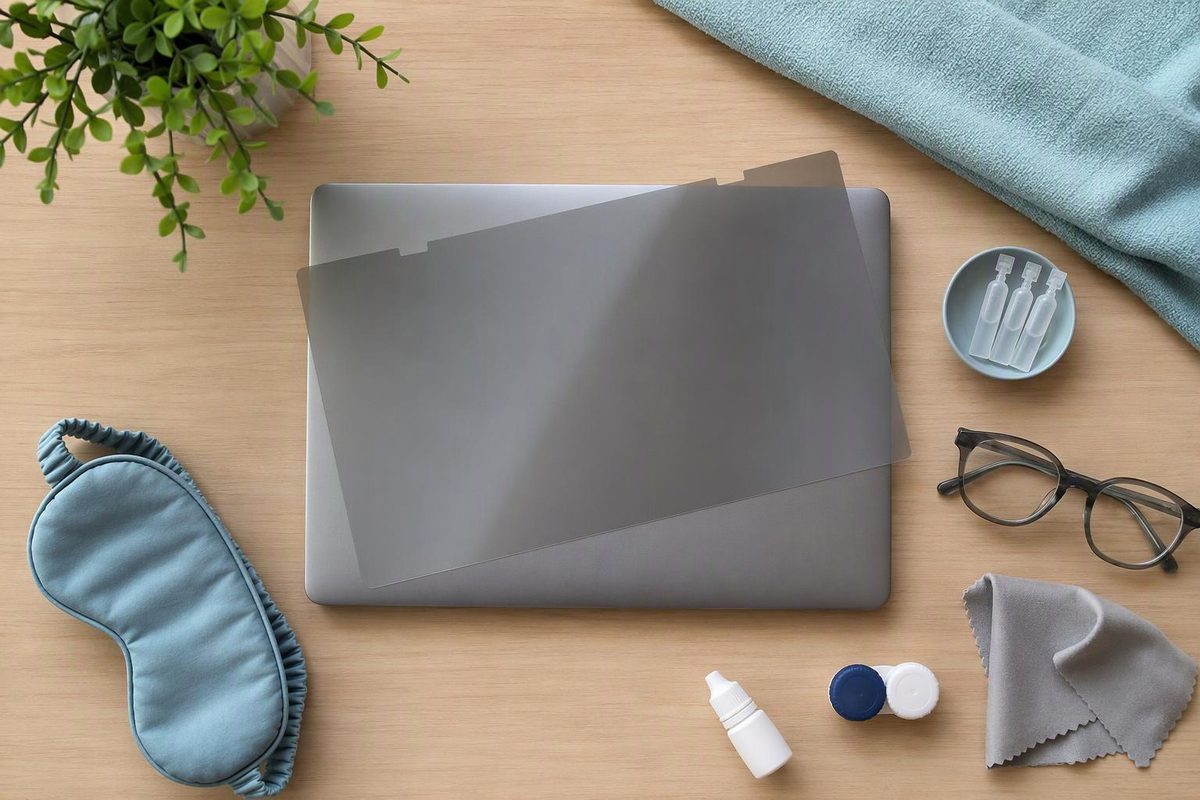
An anti-glare screen may help if reflections from windows or lights make your display difficult to read. It is a way to reduce a specific source of discomfort—not a treatment for dry eye or a fix for every cause of screen-related eye strain. The American Academy of Ophthalmology recommends trying a matte screen filter to cut glare; the American Optometric Association suggests one when you cannot adequately reduce glare from surrounding light sources. (AAO, AOA)
Is glare actually the problem?
Look at your screen from your usual working position. Can you see a bright window, ceiling light or lamp reflected over the text? Try moving the lamp, adjusting the screen angle or closing the blinds. If the reflection becomes less distracting and reading feels easier, glare reduction is a reasonable place to focus your effort.
Glare is only one possible contributor. Poor viewing distance, uncorrected vision problems and prolonged close work can also cause discomfort. Even an existing glasses prescription may not suit your computer distance. A filter will not correct those problems. (AOA)
Try these changes before buying
You may be able to solve the reflection problem without adding anything to your screen:
- Move or angle the display so a window or overhead light is not reflected toward you.
- Use blinds or curtains, and reposition a desk lamp that shines onto the screen.
- Clean the screen according to its instructions. Fingerprints and dirt can interfere with clarity.
- Match screen brightness to the room. A screen glowing much brighter than its surroundings can be uncomfortable; consider increasing text contrast too.
These steps follow the AOA’s lighting and glare guidance and the AAO’s brightness recommendations. For distance, height and text adjustments, see our guide to computer monitor eye strain.
What to check in an anti-glare screen
An anti-glare surface may be built into a display or added as a separate filter or protector. Matte filters use a textured surface to scatter reflected light, making reflections less distinct. That surface can also introduce some texture to the displayed image. Lenovo describes this as a possible display-quality trade-off—not evidence of a medical benefit. (Lenovo)
Before buying, check:
- Fit: Confirm compatibility with your exact device or screen dimensions, rather than relying on a nominal screen size alone.
- Function: Look specifically for glare reduction. Scratch protection or blue-light filtering is not the same feature.
- Readability: Choose a seller with a practical return policy. Compare ordinary text before and after fitting the filter; less reflection is not useful if reading becomes harder.
- Touchscreen support: If applicable, confirm that the filter supports touch input.
- Installation and care: Follow the product instructions, including guidance about an existing protector and cleaning the new surface.
Device compatibility, touch support and installation requirements vary, so check the individual product rather than assuming all filters work alike. (Lenovo)
Treat blue-light filtering as a separate claim, not proof that a screen filter will relieve eye strain. A Cochrane review found that blue-light-filtering spectacle lenses may not reduce short-term computer-related eye strain compared with ordinary lenses. That review studied glasses, not screen filters, so it does not establish whether an anti-glare screen helps. (Cochrane)
If burning or dryness continues
Screen use can reduce blinking. Blinking helps keep the eye surface moist, and a filter does not address reduced blinking directly. Take regular breaks, consciously blink, and consider artificial tears for dryness; contact-lens wearers may benefit from switching to glasses during screen work. (AAO) Our guide to eye drops for digital eye strain explains selection and contact-lens compatibility.
Arrange an eye examination if discomfort or blur keeps recurring despite changes. Seek same-day clinical attention for sudden vision changes, eye pain or new light sensitivity; sudden loss of vision requires emergency care. Do not assume these symptoms are screen strain. (AAO, NHS)